Set up a segment in a campaign
Create a new segment
To learn how to create a segment, read this article
Set up a segment in an experiment
In the finalization panel, select Target a segment in the Targeting step.
In the list of existing segments, select the segment you created.
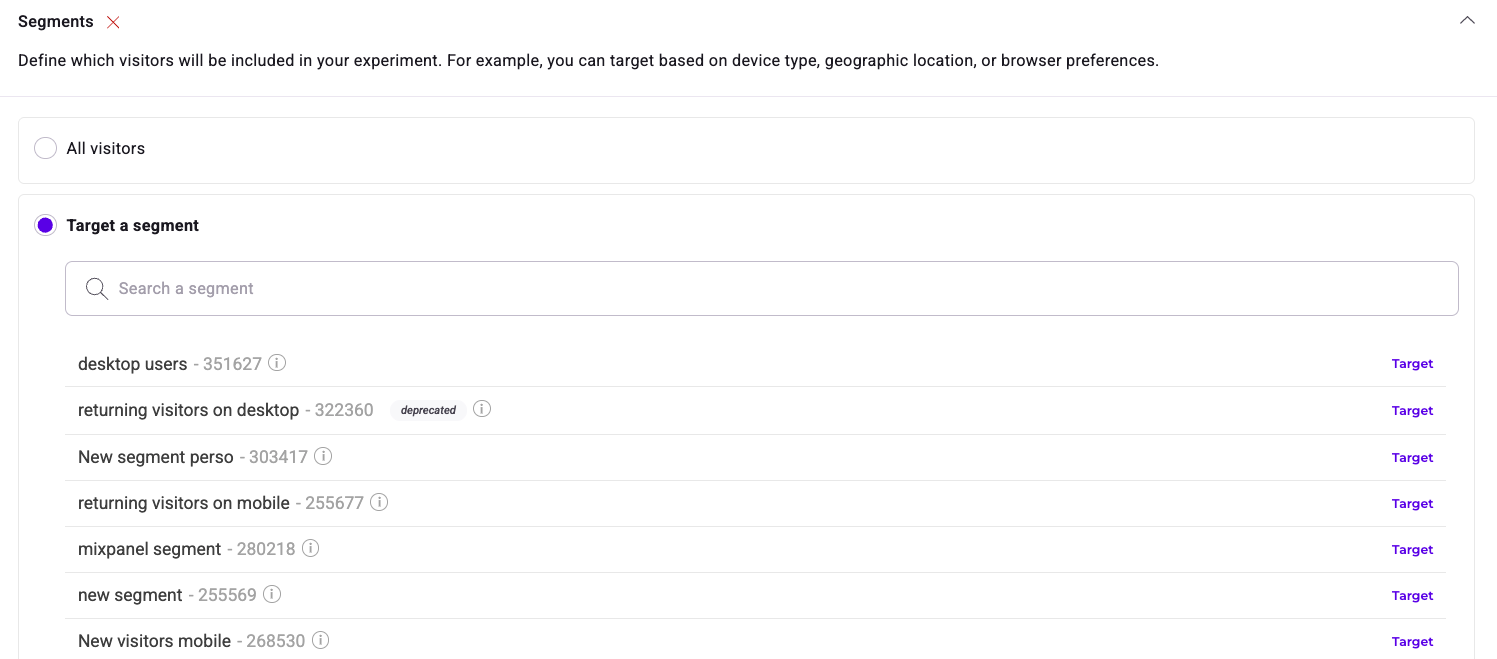
Hover over the information icon to display the segment's targeting conditions.
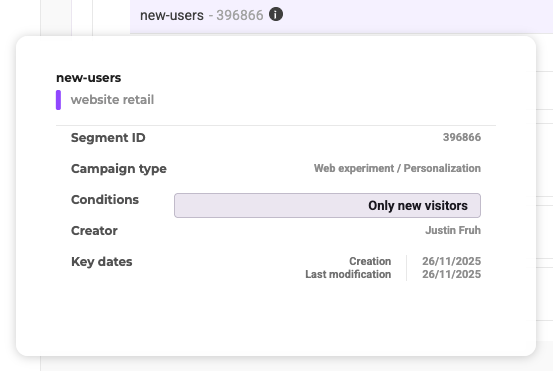
Click the X icon to dissociate the segment from the experiment.
To associate a segment, you can also select Target specific visitors in the Targeting step. Select the segment and connectors you need. Using this option allows you to create quickly targeting conditions without re-creating a segment.
Click Next—this segment is associated with your experiment.
Set up a segment in a personalization
Once a segment has been created, you must associate it with a personalization.
In the Targeting step, click Target a segment in the Segments panel. Then, click the segment you want to target.
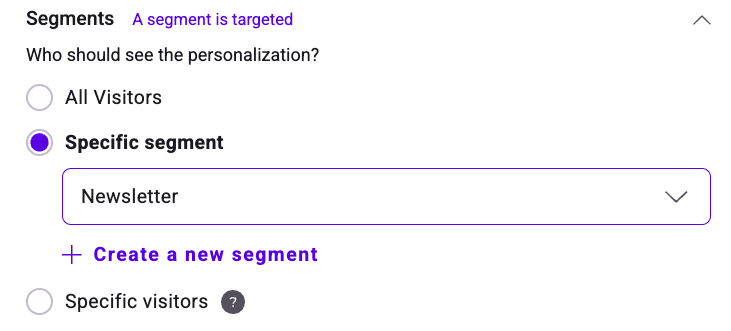
The segment your experiment is targeting displays at the top of the page. Proceed with finalization normally.